
ONLINE FORMS
Build Forms That Build Your Business
Forms should do more than collect information. FormAssembly helps teams design structured forms that connect directly to workflows, approvals, and systems of record like Salesforce.
AGENTIC AI ASSISTANT
Create sophisticated forms faster with Fai
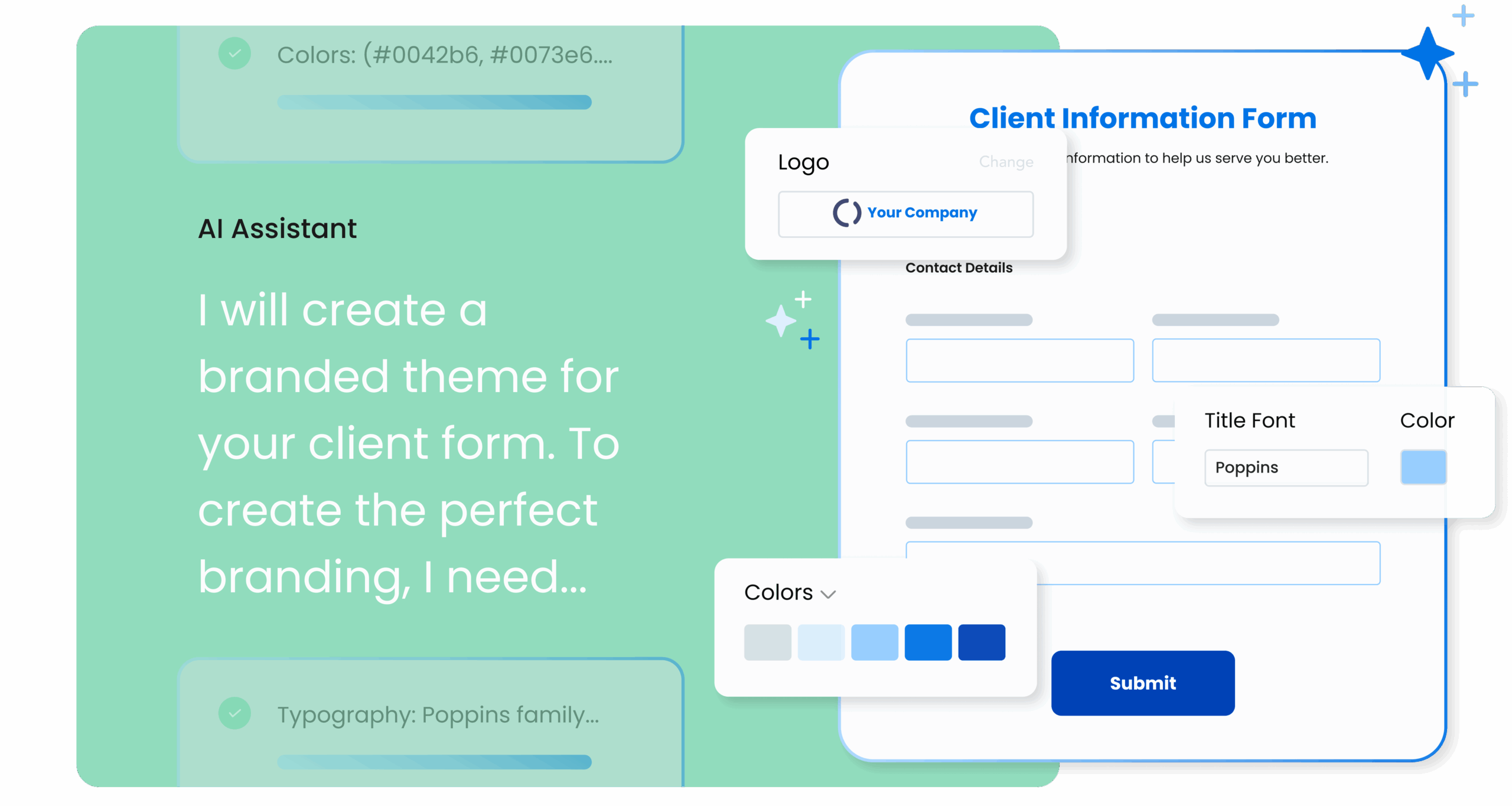
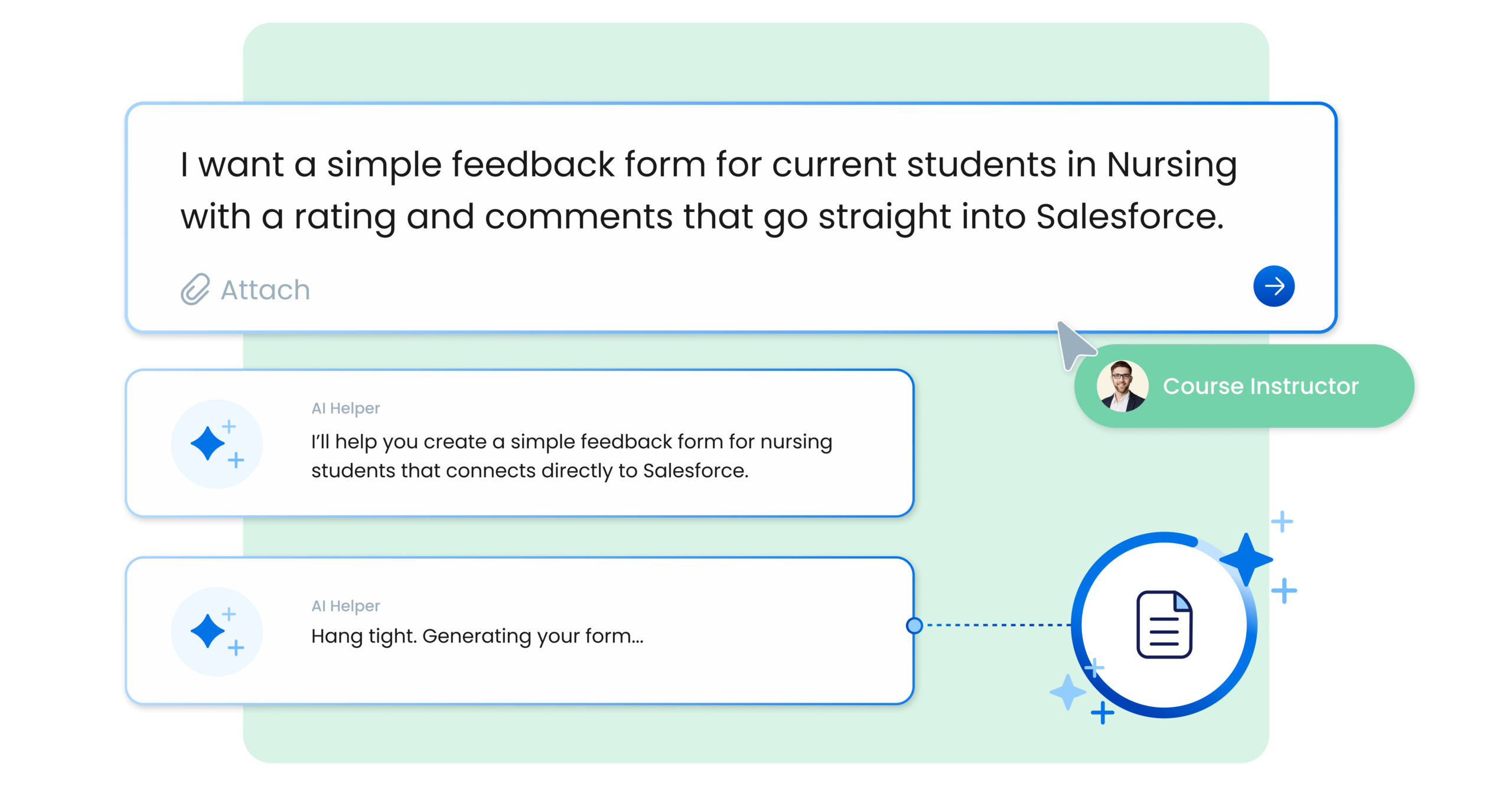
Fai, FormAssembly’s agentic AI assistant, helps teams move from idea to form quickly by generating form structure, validation rules, and workflow steps based on what you need to collect, allowing builders to create sophisticated forms without deep technical expertise while maintaining full control over rules, approvals, and integrations.
- Patient intake forms
- Application and registration forms
- Referral forms
- Internal request forms
Refreshingly smart form building
Application and registration forms
Capture structured information for applications and registrations while routing submissions into review workflows.
Lead capture and qualification forms
Collect validated lead data that flows directly into Salesforce or other CRM systems.
Internal request forms
Replace email and spreadsheets with structured forms that trigger approvals and automate routing.
Referral and intake forms
Collect sensitive information securely while ensuring submissions are complete and structured.
Program enrollment forms
Manage enrollment processes with forms that route submissions through approvals and eligibility checks.
Document generation workflows
Collect required information and automatically generate documents for signatures and approvals.
Frequently Asked Questions
How does FormAssembly help teams build forms faster?
FormAssembly provides AI-assisted guidance through Fai, allowing builders to describe the data they need to collect and quickly generate structured forms and workflows.
Can forms connect directly to systems like Salesforce?
Yes. FormAssembly integrates with platforms like Salesforce so data collected through forms can automatically create or update records in connected systems.
Can existing documents be converted into web forms?
Yes. Files can be converted into structured web forms, allowing teams to modernize legacy forms and paper-based processes.
Can existing documents be converted into web forms?
Yes. Files can be converted into structured web forms, allowing teams to modernize legacy forms and paper-based processes.
Do forms support validation and conditional logic?
Yes. Builders can apply validation rules and conditional logic to ensure submissions are complete and structured correctly.
Can forms support complex workflows?
Yes. Forms can trigger approvals, route submissions to different teams, generate documents, and integrate with external systems as part of a larger workflow.
Do builders need technical expertise to create forms?
No. With guided creation and AI assistance from Fai, teams can create sophisticated forms and workflows without coding or advanced technical knowledge.
Start building forms that power real workflows
See how FormAssembly helps teams create structured forms, automate workflows, and deliver reliable data into the systems their organizations rely on.